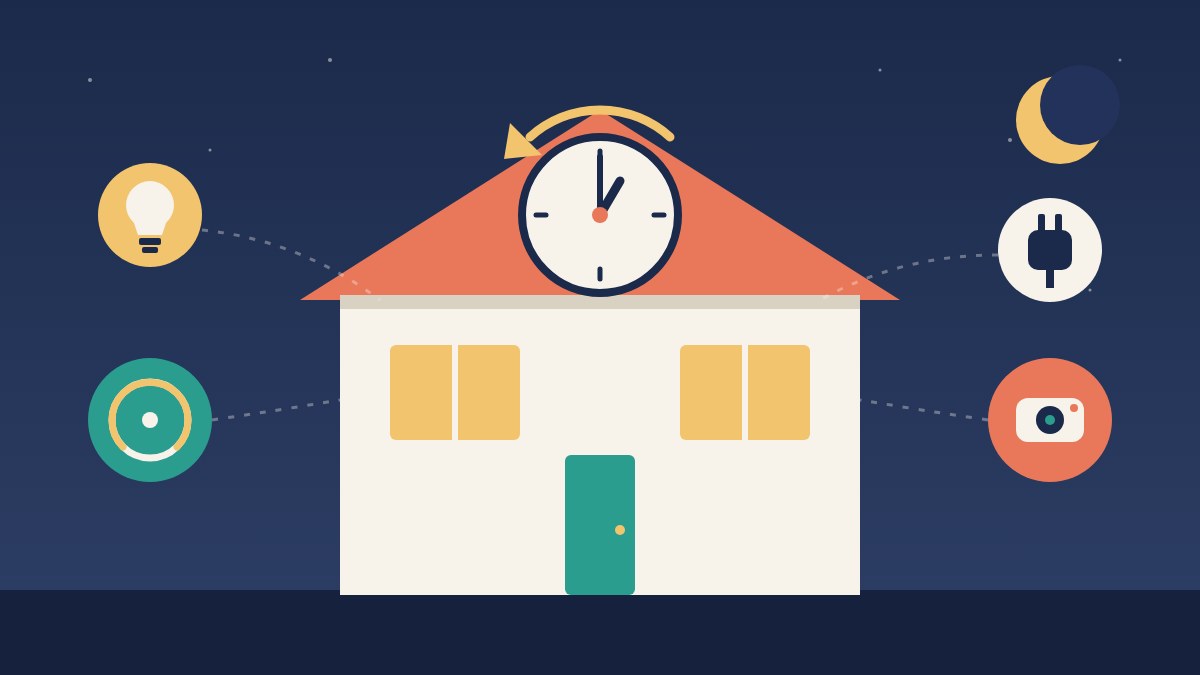

Daylight saving time ends in the US on Sunday, November 1, at 2 a.m., when the clocks fall back to 1 a.m. Your phone will handle it without a fuss. The rest of the house is a coin flip.
The good news is that most of the work happens once, and you can finish it in about ten minutes.
The gadgets that usually sort themselves out
Anything that gets its time from the internet tends to adjust on its own: phones, tablets, laptops, smart speakers and displays, most Wi-Fi thermostats, and most smart plugs and bulbs. The catch is the word “usually.” These devices adjust based on the time zone and location stored in their app or hub. If that setting was wrong when you set the gadget up, it has been wrong all year, and the clock change is just when you notice.
The gadgets you change by hand
- Anything with a manual clock. The oven, microwave, coffee maker, wall clocks and the car dashboard don’t know what day it is. These are on you.
- Timers. Sprinkler controllers, pool and aquarium timers, and plug-in dial timers run on their own clocks. A dial timer needs its dial turned back an hour.
The gadgets to check Sunday and Monday
- Schedules. Most apps keep a 6:30 a.m. schedule at 6:30 a.m. after the change. The exceptions are gadgets that keep their own clock or store schedules without daylight saving rules, often cheaper plugs and older thermostats, and those can fire an hour off. You can’t tell which kind you have until it happens, so check a weekend schedule on Sunday and a weekday one, like a workday thermostat program, on Monday morning.
- “Sunset” automations. You gain an hour of sleep, but sunset jumps an hour earlier on the clock: a 6 p.m. sunset becomes 5 p.m. Lights tied to sunset will follow it and come on an hour earlier than you’re used to. If you’d rather they stick to a set time, switch them to a fixed-time schedule or add a delay.
- Cameras and video doorbells. Check the timestamp on one clip. A wrong clock makes it hard to line up events later, which is exactly when you need it.
- Smart locks. If you’ve set guest codes with start and end times, confirm the windows still match what you intended.
If one gadget keeps getting it wrong, check its time zone first. That’s the culprit more often than not.
While you’re checking things around your home, test your smoke and carbon monoxide alarms and replace the batteries in any that use them. The NFPA recommends testing smoke alarms every month, so this is a good day to start.