
Introduction
If I could protect only one account, it would be my email. Not my bank. Not my social media. Not even my cloud storage.
That surprises people until I explain the uncomfortable truth: your email account is the control panel for almost every other account you own.
Your email is where password resets land. It’s where security alerts arrive. It’s the place that all of your other accounts trust to verify that you are really you. Once someone gets into your email, they don’t need to break into your other accounts. They can simply ask politely using the “Forgot password?” link.
That’s why protecting your email — and then layering protection on everything connected to it — is the single most important security decision you can make.
Why Email Is So Powerful (and So Dangerous)
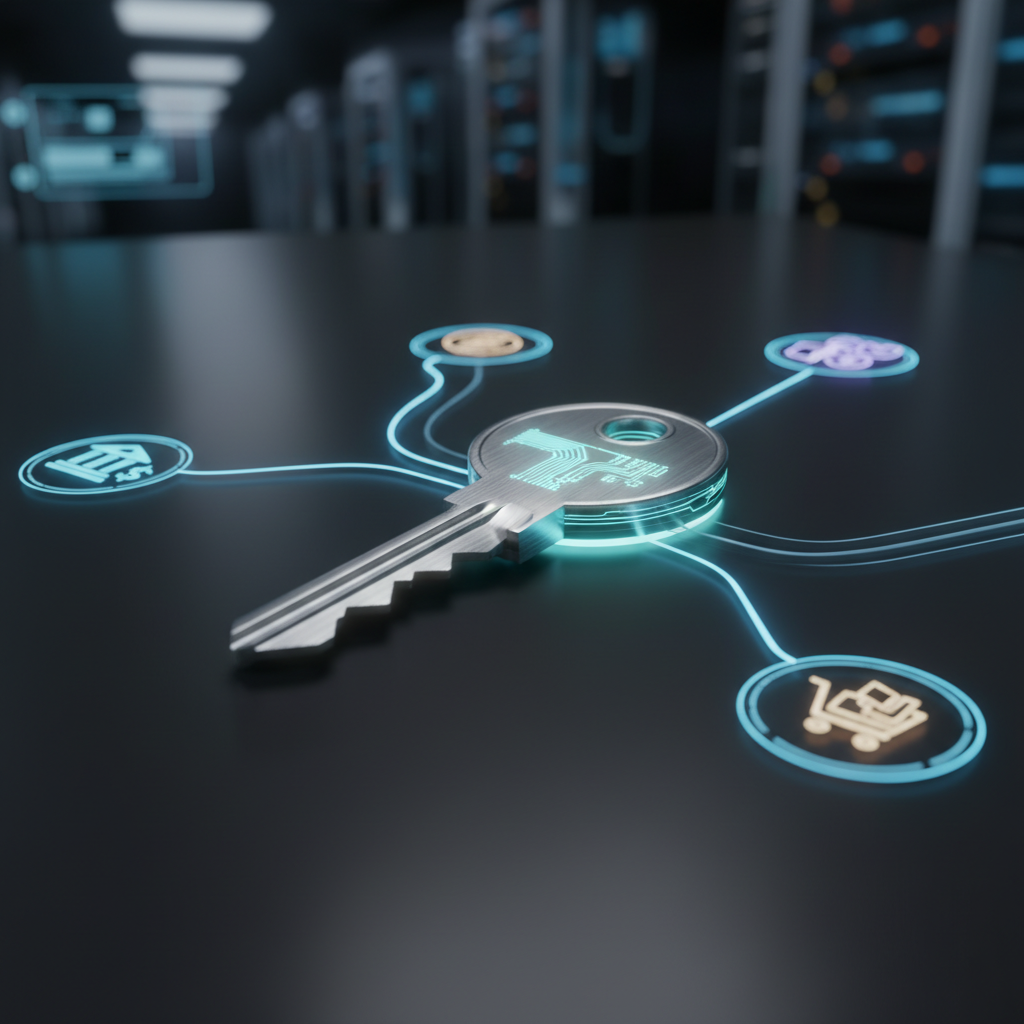
Think of your email as a master key. Not because it opens doors directly, but because it lets you request new keys for almost every door you own.
Here’s what an attacker can typically do once they access your email:
- Reset passwords for social media, shopping, banking, and subscription accounts
- Disable security alerts before you ever see them
- Lock you out by changing recovery emails and phone numbers
- Impersonate you convincingly when contacting friends, family, or coworkers
This isn’t theoretical. Most account takeovers don’t start with sophisticated hacking — they start with email access and a few clicks.
How Attackers Use “Forgot Password” to Take Over Your Accounts
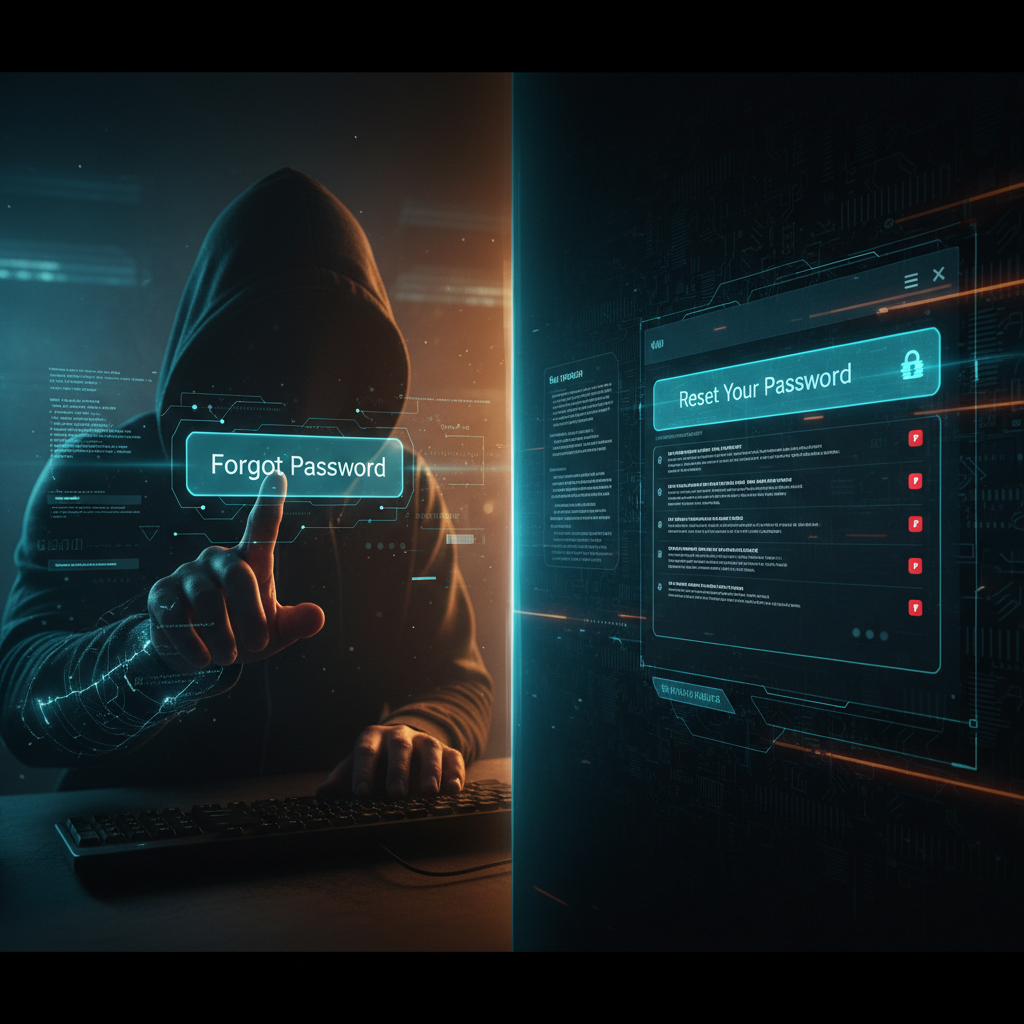
We’ve all used it. You forget a password, click “Forgot password”, and a reset link lands in your inbox. Convenient. Fast. Dangerous if your email isn’t locked down.
Once an attacker controls your inbox, the process looks like this:
- They log into your email
- They request password resets across dozens of services
- Reset links arrive instantly
- New passwords are set — and you’re locked out
It’s less like a burglary and more like identity erosion. Account by account, control slips away.
This is why security experts obsess over email protection. It’s not paranoia. It’s math.
Step One: Lock Down Your Email First
Before worrying about anything else, your email needs stronger defenses than any other account you own.
Use a Strong, Unique Password
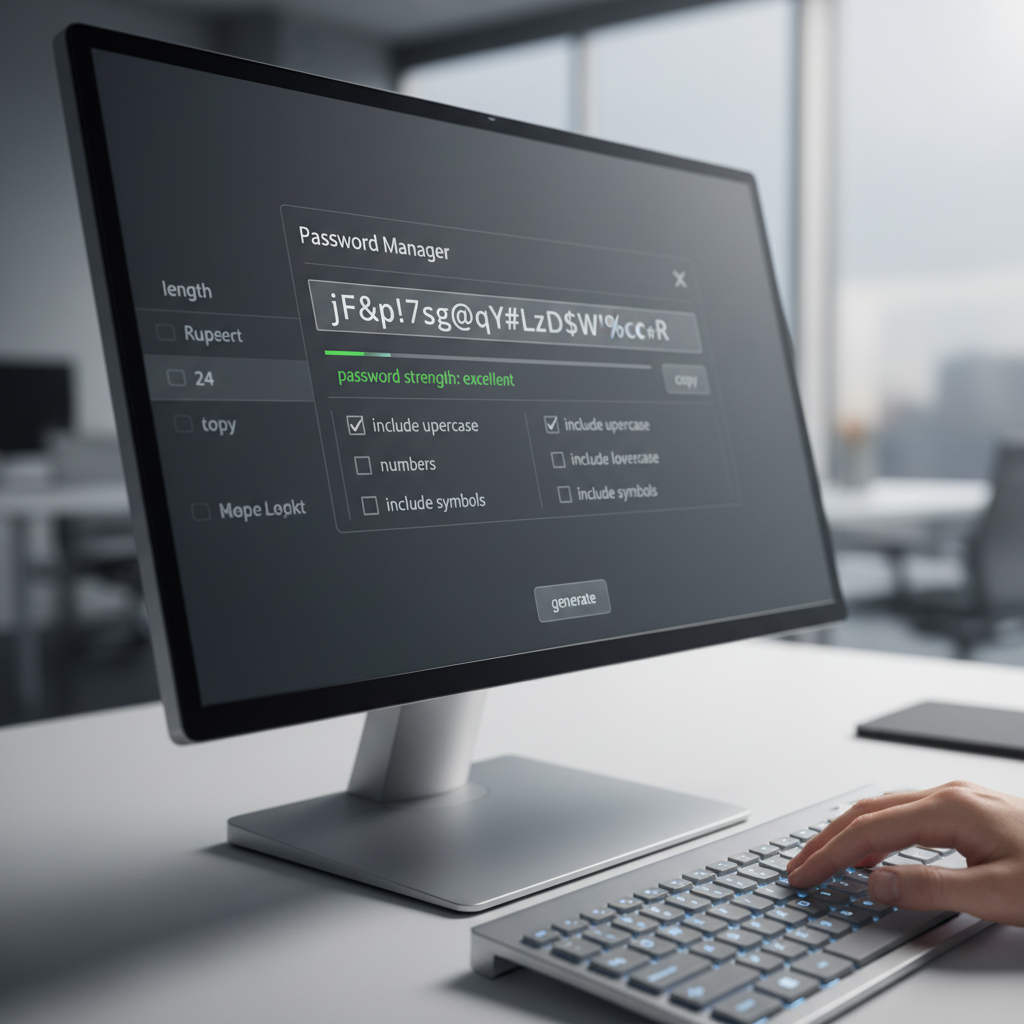
Your email password should be:
- Long (16+ characters)
- Unique (used nowhere else)
- Random (not a phrase tied to you)
This is one place where a password manager isn’t optional — it’s essential. If an attacker guesses or reuses your email password, everything downstream collapses.
Turn On MFA — No Exceptions
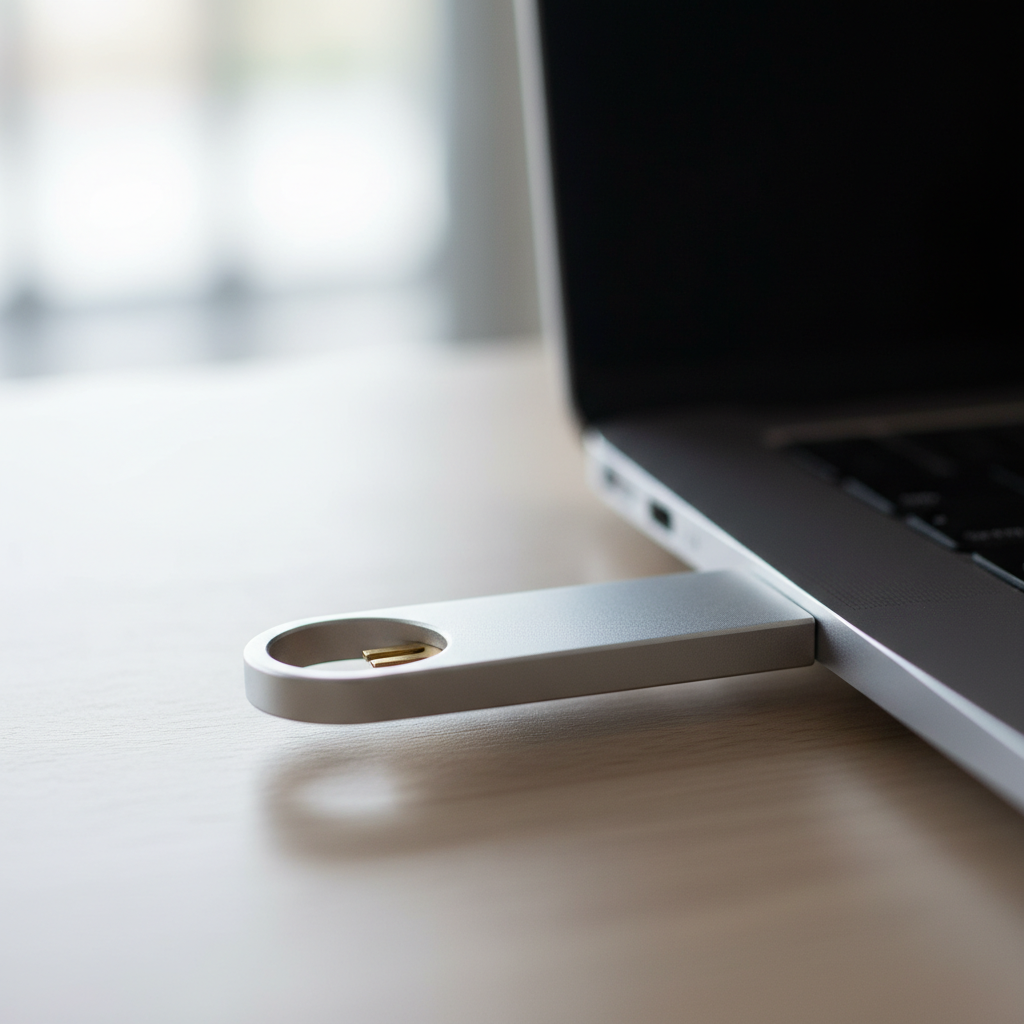
Multi‑factor authentication (MFA) is not a nice‑to‑have for email. It’s the second key protecting the master key.
Using our key metaphor:
- Your password is the first key
- MFA is the second key that confirms it’s really you
Even if someone steals your email password, MFA stops the takeover cold.
Use:
- An authenticator app (Google Authenticator, Authy, Microsoft Authenticator), or
- A hardware security key (like a YubiKey)
Avoid SMS codes if you can. Text messages are better than nothing, but they’re far easier to intercept or reroute.
Why MFA on Other Accounts Still Matters
Here’s the more important point people miss: you want every account to be secure on its own, even if your email is perfectly protected.
MFA isn’t just about stopping password resets. It’s about adding a second line of defense everywhere.
Think of it this way:
- Your password is the first key
- MFA is the second key that proves the person logging in is really you
If an attacker gets your password through a data breach, malware, or a phishing scam, MFA can still stop them. They don’t get in just because they know the password.
This matters because many attacks never touch email at all. They target individual services using leaked credentials or fake login pages.
By enabling MFA on important accounts — banking, social media, shopping, cloud storage — you’re forcing attackers to defeat two separate protections, not one.
It’s defense in depth. Even if one layer fails, the account doesn’t fall with it.
How Attackers Get Email Access in the First Place
Understanding the entry points helps explain why layered security matters so much.
Common paths include:
- Old data breaches where passwords were reused
- Phishing emails that mimic legitimate login pages
- Malware on compromised devices
- Weak recovery options (backup emails, security questions)
Once email falls, everything connected to it becomes vulnerable.
Practical Checklist: Protect the Master Key
If you do nothing else after reading this, do these things:
- Use a password manager to create a long, unique email password
- Enable MFA on your email account immediately
- Review recovery options (backup email, phone number)
- Turn on security alerts for new logins
- Enable MFA on every important account tied to that email
This takes minutes — and saves months of cleanup later.
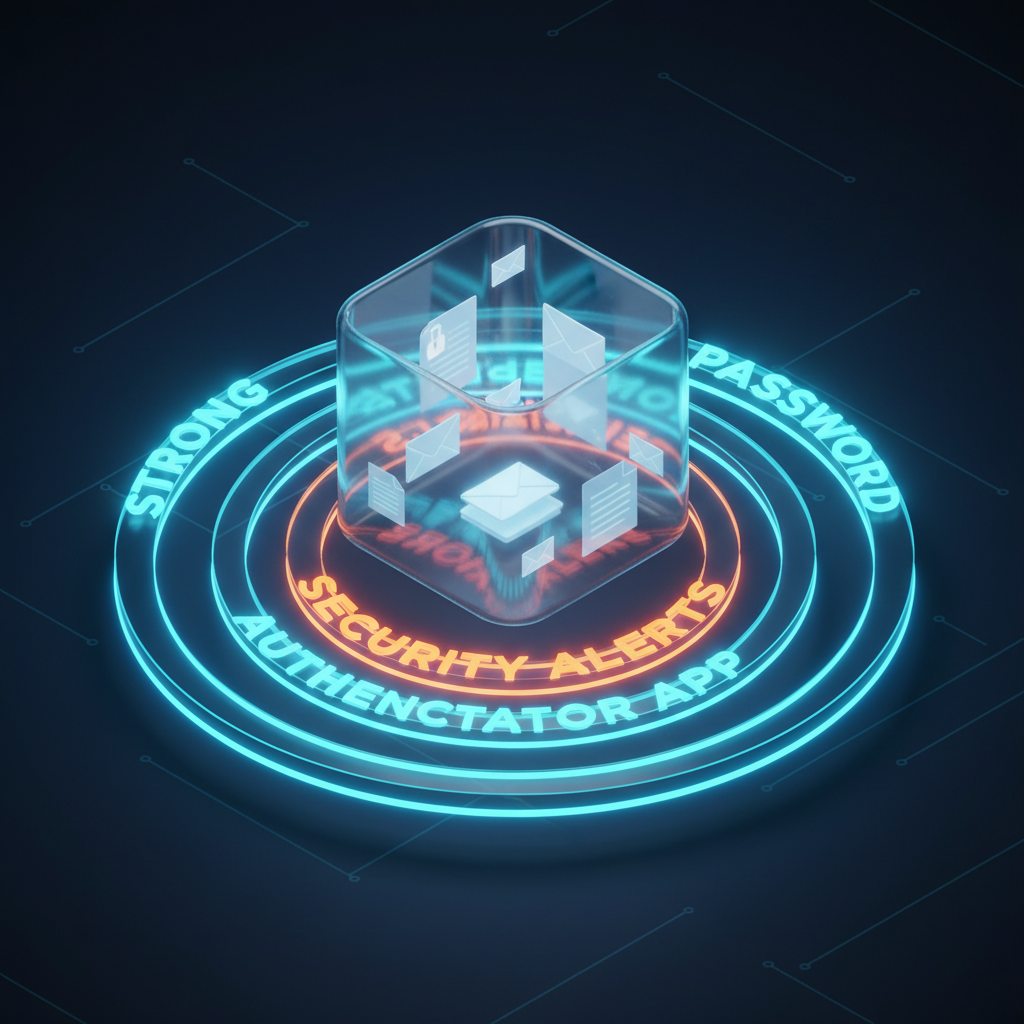
Final Verdict: Email Security Is Non‑Negotiable
You can think of your email as just another inbox. Or you can see it for what it really is: the root account of your digital identity.
Protect it like a master key. Add a second key. Add a third when you can.
Because once someone controls your email, they don’t need to hack your life.
They can simply reset it.