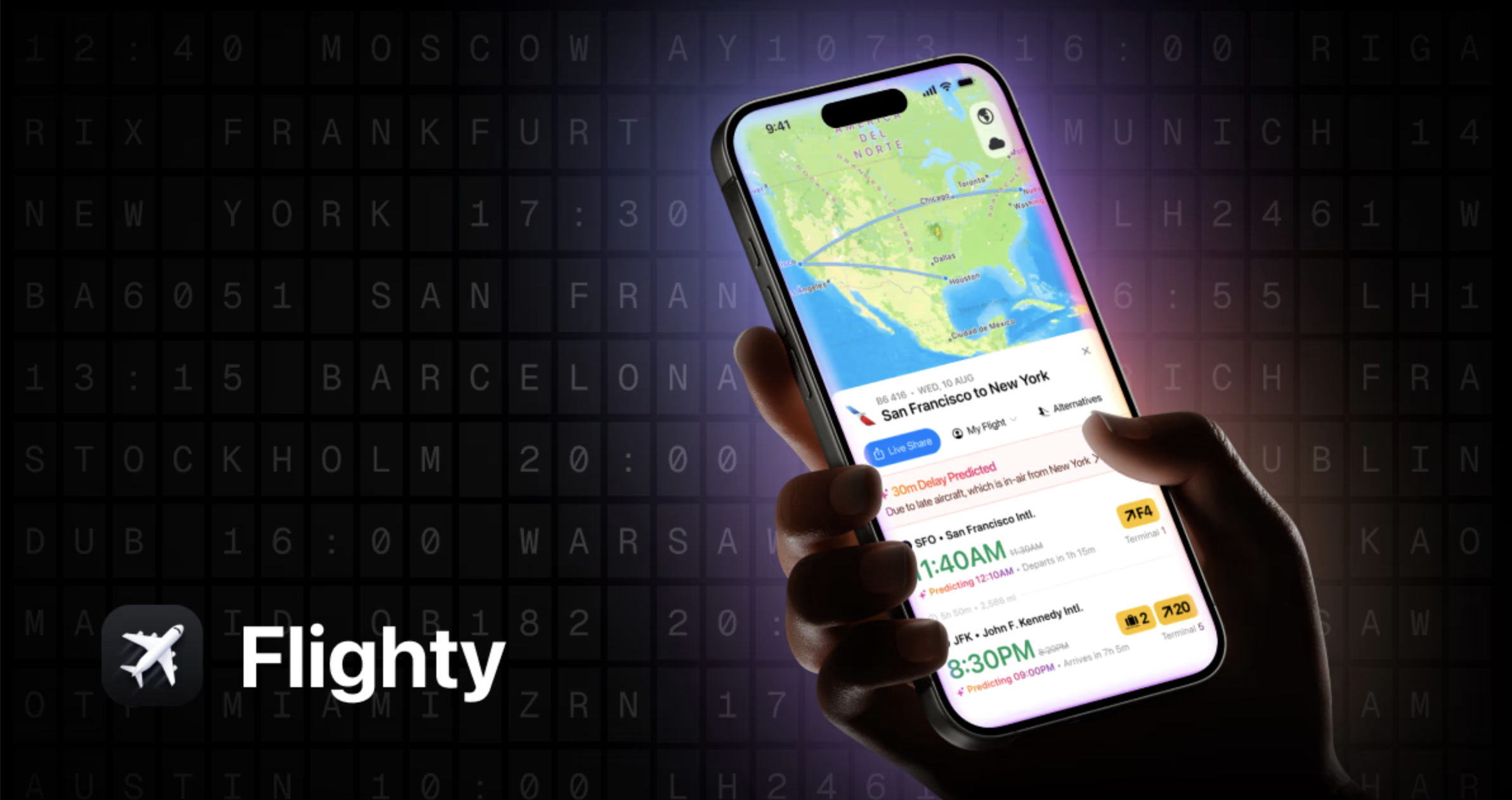

There is a specific, cold brand of anxiety that exists in a terminal when the “On Time” status on an overhead monitor feels like a placeholder. While airline apps are designed to manage passenger expectations and sell credit cards, Flighty is built to provide raw operational data. It often reveals the truth of a delay before the gate agent even picks up the microphone.
The Setup: Clean, Fast, and iOS-First
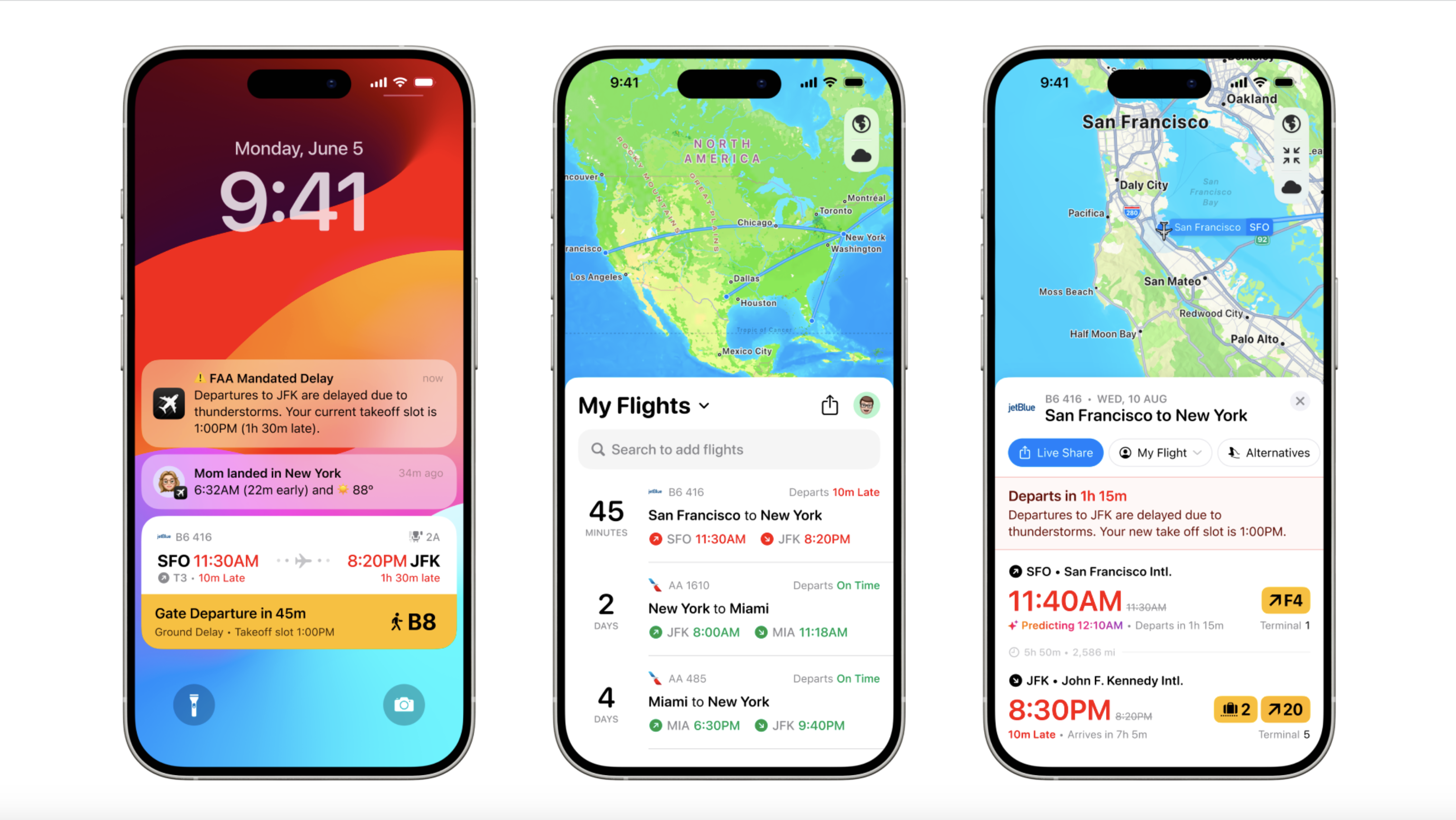
Getting started with Flighty is noticeably smoother than the typical airline experience. It bypasses the clunky login screens of carrier apps, opting for a streamlined interface that prioritizes speed. You can manually type in your flight number or sync your calendar, forward confirmation emails, or link a TripIt account.
Within seconds, the app parses your history and maps out upcoming journeys. The design is utilitarian yet highly polished, using high-resolution aircraft silhouettes and clear typography that makes complex flight paths easy to read at a glance.
Performance: X-Ray Vision for the Tarmac
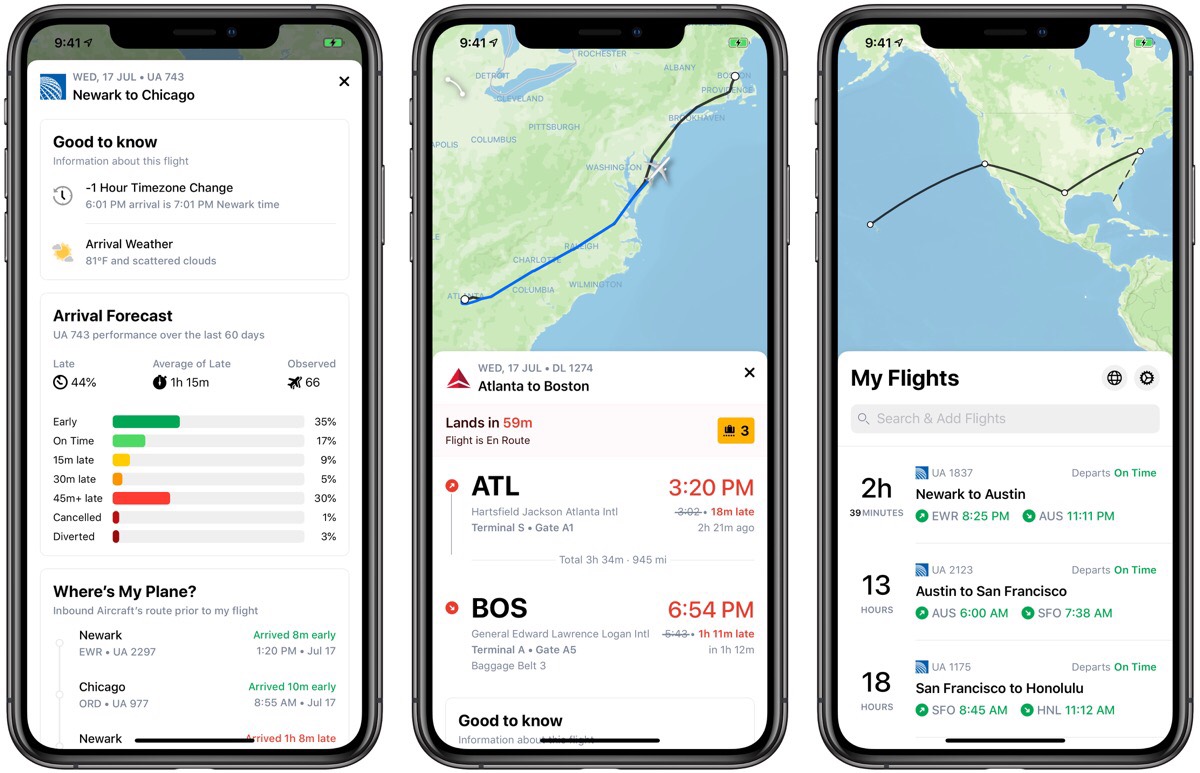
The real value of Flighty lies in its data sourcing. While airlines filter information through a PR lens, Flighty pulls from the same FAA and Eurocontrol feeds used by pilots and dispatchers.
- The 25-Hour Inbound Tracker: This is the app’s standout feature. It tracks your specific physical aircraft for over a day before your flight. If your plane is currently grounded by a mechanical issue three states away, you’ll know you’re delayed long before the official announcement hits your inbox.
- Live Activities & Dynamic Island: Flighty remains the gold standard for iOS integration. The Dynamic Island becomes a persistent flight board on your home screen. You can check your gate number, seat, or the “doors close” countdown without ever unlocking your phone.
- Connection Assistant: This feature analyzes layovers in real-time. If you land late, it doesn’t just flag the risk; it provides a map to your next gate and an estimate of the sprint time required.
- The “Ground Control” Factor: It’s worth noting that Flighty isn’t just for the person in the seat. The “Flighty Friends” feature allows you to track a friend or family member’s journey with the same level of granularity. If you’re the one performing the airport pickup, you’ll know exactly when they touch down or if they’re circling the runway, sparing you from circling the arrivals loop indefinitely.
Tactical Pricing: The $5 Secret
The “Pro” subscription is where most users hit a wall. At $59.99 per year or $299 for a lifetime license, it is a significant investment. However, there is a middle ground that we highly recommend for the occasional traveler.
For $4.99, you can unlock Flighty Pro for a single week. This “pay-as-you-go” approach is the most logical way to use the app unless you’re a hardcore traveler. If you have an upcoming trip, paying five dollars for pilot-grade data and push notifications is a justifiable “travel insurance” expense. It provides the full power of the app exactly when you need it, without the burden of a recurring annual fee.
Pros & Cons
Pros
- Speed: Consistently delivers gate changes and delay alerts at least 10–20 minutes faster than airline apps.
- Data Depth: Provides specific reasons for delays (e.g., ground stops or air traffic congestion) that airlines rarely disclose.
- The Weekly Pass: The $5 weekly option makes the high-end features accessible for one-off trips.
Cons
- Annual/Lifetime Cost: The $60 yearly price is steep for anyone not flying at least once a month.
- Platform Exclusion: As of 2026, there is still no Android version, leaving half the market in the dark.
- Battery Usage: Frequent GPS polling for “Friends” tracking and live updates can take a noticeable toll on older iPhones during long travel days.
Real-World Comparison
Compared to TripIt, Flighty is a scalpel. TripIt is better at organizing a whole itinerary—hotels, cars, and dinner reservations—but its flight tracking feels laggy and secondary. Airline apps have improved their UI, and United in particular has made strides with Live Activities, but they are still fundamentally biased. They won’t tell you your flight is delayed until they’ve exhausted every other option; Flighty tells you the moment the data changes.
Final Verdict
Flighty is a situational awareness tool that turns the opaque world of air travel into a transparent data set. For the frequent flyer, the annual sub is a business expense. For everyone else, the one-week $5 pass is the smartest way to navigate a stressful travel day.
Verdict: A nice to have (but usually not essential) helper when traveling (Use the weekly pass for high-stakes trips).